
An Overview of Data Loss Prevention (DLP)
Last updated on 11 August 2026
Mobile devices are where most employees now read email, open documents and use AI. Data loss prevention, the set of controls that stops sensitive information leaving an organisation without authorisation, was largely built for laptops, file servers and corporate networks. That leaves a gap between where corporate data actually travels and where organisations are able to see it.
Corrata closes that gap by inspecting network traffic on the device. This post explains how that works, and covers a recent addition to what Corrata can show you. You can now see not only which services are being used, but how much data is moving through them.
What is Data Loss Prevention (DLP) and why it matters
Data Loss Prevention (DLP) refers to a set of technologies, policies, and processes aimed at protecting sensitive data from being accessed, shared, or disclosed inappropriately. At its core, DLP is about reducing the risk that confidential data, such as customer information, intellectual property, financial records, or internal communications, leaves an organisation without authorisation.
DLP has become a critical pillar of information security because data is now the primary asset most organisations are trying to protect. Unlike infrastructure or applications, data is mobile by nature: it moves across devices, networks, cloud services, and third-party platforms. As a result, even organisations with strong perimeter security can experience data exposure if controls are not applied at the data layer itself.
Importantly, many data loss incidents are not malicious. An employee might inadvertently attach a sensitive spreadsheet to the wrong email, upload an internal report to a public file-sharing service, or paste confidential information into a collaboration tool that lacks proper access controls.
The two main types of DLP: “Data in Motion” and “Data at Rest”
Endpoint-based DLP (data in motion) focuses on how data is used and transmitted. It monitors and controls actions such as copying files, uploading documents, sending emails, or pasting text into applications. These controls typically operate on user devices and aim to prevent sensitive data from being moved to unauthorised destinations.
Storage-based DLP (data at rest) focuses on where data is stored. It scans repositories such as file servers, cloud storage platforms, email systems, and SaaS applications to identify sensitive data and ensure it is appropriately protected.
How GenAI and Off-channel communications increase DLP risk
The rapid emergence of generative AI tools such as ChatGPT, Google Gemini, Microsoft Co-Pilot, and Claude has materially changed the data risk landscape. Employees increasingly upload corporate documents into these tools to improve productivity, often without understanding the downstream risks or data retention implications. Employees switch between platforms often using personal accounts.
Another relatively recent trend widespread use of mobile messaging apps such as WhatsApp, Signal and Telegram for employee/client communications. These off-channel tools often lack enterprise visibility, logging, and governance, increasing the likelihood of sensitive information being shared without oversight.
How Corrata approaches mobile DLP
Mobile Device Management solutions attempt to address mobile DLP by isolating corporate data on iOS and Android. While effective for containment, these approaches struggle with browser-based SaaS apps and open web platforms where data can still be downloaded or uploaded. What containment cannot do is show where data goes once it leaves it, which includes anything happening in a browser, in a personal app, or through a personal account.
Conventional endpoint DLP is not an option either. The hooks it depends on, such as file system probes and clipboard interception, are not available to third parties on iOS and Android. A DLP suite that works well on Windows cannot simply be extended to a phone.
The one channel that stays observable is the network. Any upload to a file sharing site, or prompt sent to an AI assistant, produces traffic. Corrata inspects that traffic on the device itself, which gives visibility across apps and browsers rather than only inside a managed container, and works on unmanaged devices where installing a full endpoint agent is not realistic. You can read more about the mechanism on our network traffic inspection page.
A modern DLP strategy must combine endpoint controls, storage visibility, and network enforcement. This is especially critical on mobile devices, where traditional approaches alone are insufficient.
What is new: from access to activity
Until recently, Corrata could tell you whether a service was being accessed. You could see that a user had reached ChatGPT, or Google Drive, or a personal file sharing account. That answers the first question a security team asks, which is whether shadow AI and unsanctioned file sharing are present in the estate at all.
It does not answer the second question: How much are they being used?
Corrata now reports the volume of data transferred to and from each service, per user. So rather than knowing that someone has used an AI assistant, you can see how much data they have uploaded to it and how much has come back.
What you can and cannot see
The contents of the traffic remain encrypted. Corrata does not read the documents, prompts or messages involved.
What it measures is volume. How much data moved, to which service, from which device, and when.
That distinction is deliberate. Measuring volume rather than content gives security teams a usable risk signal without reading employee communications. It is also what makes the approach workable on personal devices, where employees would reasonably object to content inspection.
Two views in the console
The data appears in two places.
An Overview shows data transfer across all users. This gives you the overall picture of how heavily each service is used across your estate, and it is where you establish what normal looks like.

An Event view lists individual transfers by user. This is where you examine specific activity, and where you go when something in the aggregate view does not look right.

See it in action
Corrata’s DLP reporting works in four levels.
The Overview gives you an estate-wide table of every service in use on your account, broken down by category, with event counts along with the number of devices and total upload and download volumes for each service. From there you can open any single service to see its usage over time, along with a per-device and per-user breakdown of who is responsible for that traffic.
The Events view lists individual transfers, timestamped to the second, each with its own upload and download figures. Opening one gives you the full connection record: protocol version, cipher suite, destination IP, port, hostname and the exact bytes moved in each direction. What none of these views contains is the content itself. The reporting is built on connection metadata and transfer volumes, so you can see how much data went where and when, without anyone reading the documents, prompts or messages involved.
Why volume changes what you can detect
Access data tells you a service is in use. Volume data lets you see patterns.
Consider a sequence like this. A user downloads 50MB from Google Drive. A few minutes later, 50MB is uploaded to an AI assistant. Neither event is remarkable on its own. Together, and in that order, they are worth a question. Was corporate data just moved into a third-party service?
Corrata gives you a pattern specific enough to justify asking, which is considerably more than a binary record of access can offer.
The same reasoning applies to other patterns:
- Transfer volumes that sit well outside a user’s normal range.
- Steady low-level upload to a service nobody has sanctioned.
- Large downloads from a corporate repository shortly before a departure date.
What this gives you in practice
A quantified view of exposure: “Shadow AI is present in our estate” is a difficult finding to take to a board. “This much data went to unsanctioned AI services last month” is not.
A starting point for investigation: Access logs tell you where to worry. Volume patterns tell you which specific user and which specific hour to look at.
Evidence when you need it: Assessing a possible personal data breach under GDPR requires knowing what actually happened. So does maintaining the inventory of AI systems in use that the EU AI Act has required since 2 August 2026. Both are far harder if AI usage is only recorded as a yes or no.
Frequently asked questions
What is data loss prevention (DLP)?
Data loss prevention is the set of technologies, policies and processes used to stop sensitive information from being accessed, shared or disclosed without authorisation. A DLP programme identifies where sensitive data lives, monitors how it moves, and enforces rules that block or flag risky activity.
How does Corrata manage DLP on mobile?
Corrata inspects network traffic on the device. Because every upload to a file sharing site or AI service produces traffic, this gives visibility across apps and browsers rather than only inside a managed container, and it works on unmanaged devices. Corrata reports which services are being used and how much data is transferred to and from each one, per user, without decrypting the contents of that traffic.
Why does traditional DLP not work on mobile devices?
Conventional endpoint DLP relies on operating system access that iOS and Android do not grant third parties, such as file system probes and clipboard interception. Tools built for Windows cannot simply be extended to a phone. This is why mobile DLP generally has to work at the network layer instead.
What is the difference between DLP and mobile device management?
MDM works by containment. It separates corporate and personal data and restricts movement between managed and unmanaged apps. DLP is concerned with what happens to data as it moves. MDM cannot show you where data goes once it leaves the container, including activity in a browser or through a personal account.
Can Corrata see the contents of the data being transferred?
No. Corrata does not decrypt the contents of network traffic, so documents, prompts and messages are not read. What is measured is volume: how much data moved, to which service, and when. This is also what makes the approach workable on personal devices.
Is DLP a regulatory requirement?
No framework names a DLP product. GDPR, NIS2, DORA and the EU AI Act all require controls and evidence that DLP capabilities are typically used to deliver. The AI Act’s requirement to maintain an inventory of AI systems in use, in force since 2 August 2026, is a clear example.
Watch: Modern DLP, from AI to off-channel communications
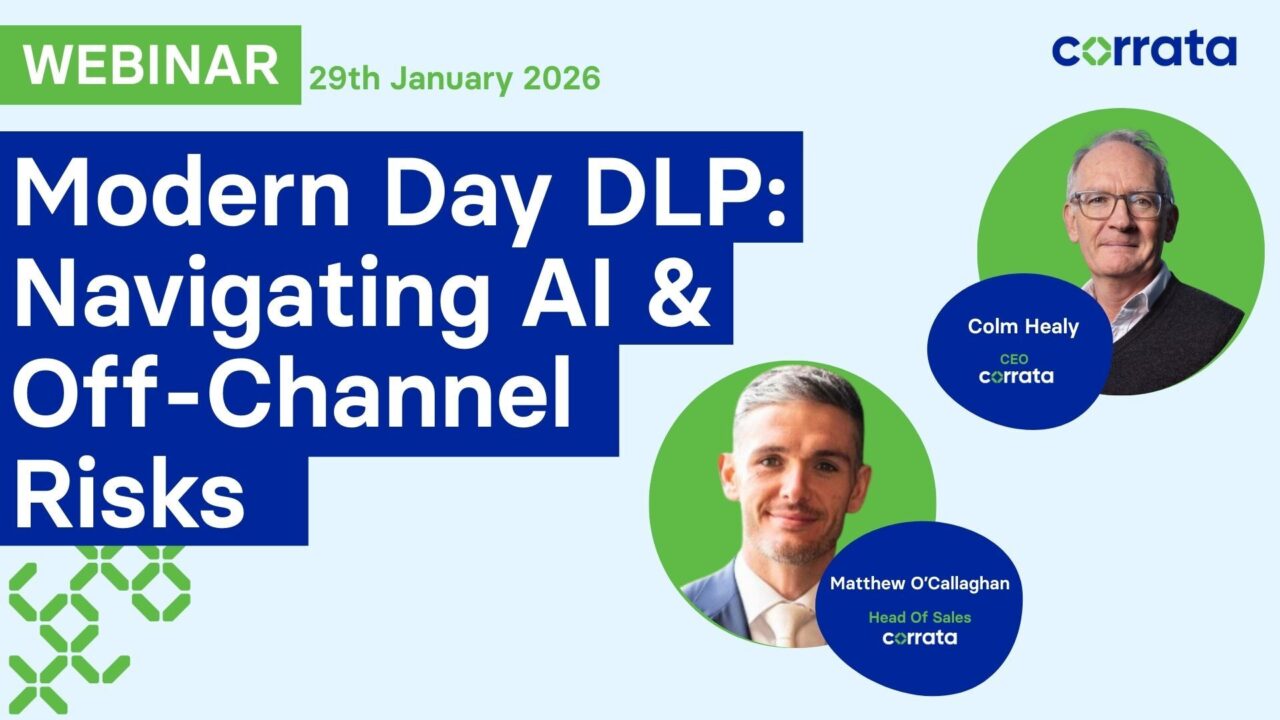
Our 45 minute webinar on modern DLP is now available to watch on demand. It covers how AI tools and off-channel communications have changed the risk picture, and what organisations can practically do about it.
What you’ll walk away with:
- The DLP evolution. Where we have been, where we are, and why simply disabling cut and paste is no longer enough.
- The new risk landscape. How AI tools and off-channel communications create blind spots your current DLP cannot see.
- Boardroom-level stakes. The financial, reputational, compliance and legal risks keeping executives up at night.
- Actionable next steps. One or two things you can do today, plus our DLP Audit Guide to assess your gaps.
See it in the console
Request a demo and we will walk you through DLP in a reference environment, showing how data transfer visibility works in practice.