

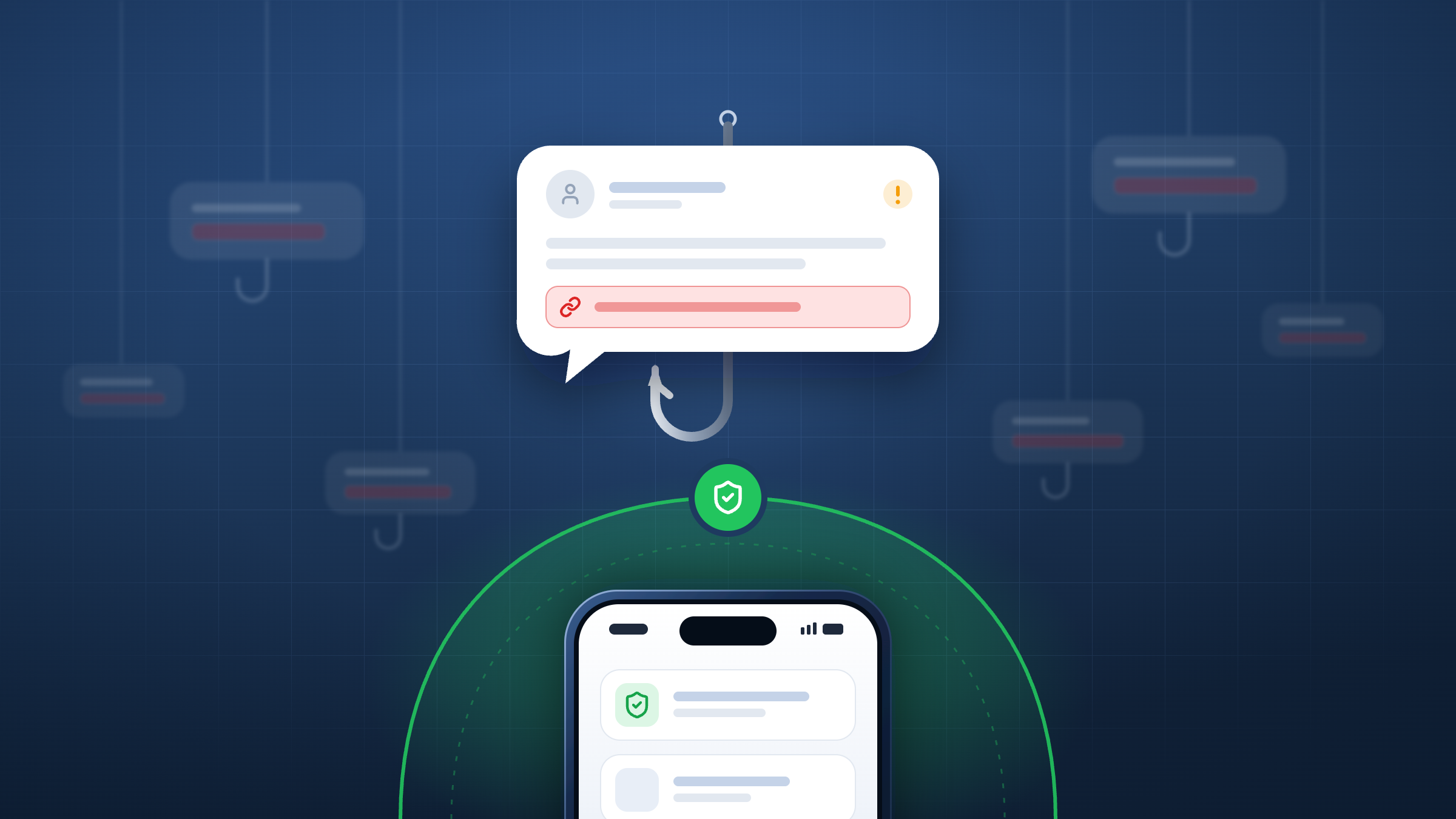
Smishing is phishing delivered by text message. An attacker sends an SMS, RCS, or iMessage that impersonates a trusted organisation and pushes the recipient to tap a link, reply, or call a number. The aim is to steal login details, payment information, or one-time passcodes, or to install malware.
For organisations, smishing is a problem because it arrives on the device staff carry everywhere, through a channel with no corporate email gateway in front of it.
What is smishing?
The word combines “SMS” and “phishing”, and the attack follows the same pattern as email phishing: a believable message, a sense of urgency, and a link to a page that looks genuine. What changes is the channel. A text message has no sender reputation checks of the kind email security applies, the link preview is small or absent, and the recipient is usually reading on the move.
Smishing has also moved beyond SMS. Attackers now send the same lures over RCS on Android and iMessage on iPhone, which travel over the internet rather than the carrier network. You can read how these fit alongside quishing, messaging apps, and social media lures in our guide to the types of mobile phishing.
How a smishing attack works
Most SMS phishing campaigns follow the same four stages.
- Targeting: Attackers buy or scrape lists of mobile numbers. In targeted attacks on companies, they build lists of employee numbers from data breaches and public profiles.
- Delivery: Messages are sent in bulk through compromised business messaging accounts, SIM farms, or online SMS services. Some criminals now use SMS blasters, portable fake phone masts that push texts directly to nearby phones and bypass network filtering altogether.
- The lure: The text impersonates a bank, delivery firm, government body, or the recipient’s own employer, and asks for quick action.
- The payload: The link opens a credential-harvesting page, a fake payment form, or a malicious download. Many kits relay stolen passwords and one-time codes to the attacker in real time, which defeats SMS and app-based multi-factor authentication.
Smishing infrastructure is built to be thrown away. When Unit 42 analysed domains linked to the Smishing Triad operation, it found that 29% were active for two days or less, and 71% for less than a week. That is why defences that depend on known-bad lists struggle to keep up.
Smishing examples
The messages below are illustrative and based on the pretexts most often reported worldwide.
Pretext |
What the text says |
What the attacker wants |
|---|---|---|
Parcel delivery |
“We could not deliver your parcel. Pay the small redelivery fee to rebook: [link]” |
Card details, often reused for larger fraud later |
Tax refund |
“Tax office: you are due a refund. Claim it before the deadline: [link]” |
Personal details and bank account information |
Unpaid toll or fine |
“Final notice: you have an unpaid toll charge. Pay today to avoid a penalty: [link]” |
Card details |
Bank or card fraud alert |
“Suspicious activity on your card. If this was not you, secure your account now: [link]” |
Online banking credentials and one-time passcodes, or a call to a fake helpline |
Job offer |
“Hi, we saw your profile. Flexible remote work rating products, paid daily. Interested?” |
Personal details and, later, “fees” or deposits from the victim |
IT or HR notice |
“Your company password expires today. Update it now to keep access: [link]” |
Work credentials and MFA codes, giving access to corporate systems |
Reply-first lure |
“Hi, is this still the right number for your delivery? Reply Y to confirm.” |
Confirmation the number is live, and on iPhone a reply that re-enables links from an unknown sender |
These pretexts are not aimed only at consumers. The US Federal Trade Commission has warned that businesses are targeted too, with fake fraud alerts about company cards and unpaid toll notices aimed at firms that run vehicle fleets.
Why smishing is a business risk
The IT or HR notice in the table above is where smishing stops being a consumer scam and becomes a corporate breach. In 2022, the group behind the 0ktapus campaign texted employees links to fake Okta login pages. It compromised 136 organisations and captured 9,931 user credentials, including from Twilio and Cloudflare employees, before the campaign was exposed.
Several things make employees more likely to fall for a text than an email. Phones show less of a URL, so a lookalike domain is harder to spot. Texts feel personal and urgent, and they arrive outside working hours when people are less guarded. The one-time passcode the attacker needs often arrives on the same device a moment later. And because much of this happens on personal or lightly managed phones, the security team usually has no record that anything happened.
How big is the smishing problem?
Smishing is now a global industry rather than a scattering of local scams. In October 2025, Unit 42 linked the Chinese-speaking Smishing Triad operation to more than 194,000 malicious domains registered since January 2024. Toll services were the most impersonated category, and the campaigns spoofed services in more than a dozen countries, including the US, UK, Ireland, Germany, France, Canada, Australia, and the UAE.
The losses are substantial. Americans reported losing 470 million dollars to text scams in 2024, more than five times the 2020 figure. Fake package delivery problems, phony job offers, fake fraud alerts, and unpaid toll notices topped the list. In the UK, Ofcom’s February 2026 research found that 40% of mobile users had received at least one suspicious text message in the previous three months, even though operators there block hundreds of millions of scam messages a year.
Regulators are responding. Since 3 October 2025, Ireland’s SMS Sender ID Registry has meant that texts from unregistered sender names are blocked before they reach consumers. New UK rules will require operators to block scam messages in transit from 2027. These controls apply to SMS on mobile networks, however, so they do not reach iMessage or apps such as WhatsApp. They also cannot stop SMS blasters, which bypass the network entirely. In 2025, a man who drove around London with one in his car, targeting tens of thousands of people, was jailed for more than a year.
How to spot a smishing text
- The message creates urgency, such as a final notice, an account about to be locked, or a refund that expires today.
- It asks you to tap a link, reply, or call a number rather than use an app or website you already trust.
- The link uses a shortened URL, an unusual domain ending, or a name that is close to, but not exactly, the real organisation’s.
- It asks for passwords, card details, or a one-time passcode, which genuine banks and employers do not request by text.
- It arrives from an unknown mobile number claiming to be an organisation, or appears in an existing message thread from that organisation where it looks out of place.
- It asks you to reply before a link appears, a common trick to get past iMessage’s link blocking for unknown senders.
How to prevent smishing in your organisation
No single control stops smishing, so most organisations combine several.
- Train for the mobile channel: Most phishing awareness training is built around email. Include text-message examples like those above, and make clear that IT and HR will never ask staff to reset passwords through a link sent by text.
- Give staff a simple reporting route: Tell employees to report suspicious texts to their mobile network, and to tell the security team when a message mentions the company, its systems, or its suppliers.
- Move to phishing-resistant MFA: Passkeys and FIDO2 security keys cannot be relayed through a fake login page in the way SMS codes and push approvals can.
- Block malicious links on the device: Training reduces clicks but never eliminates them, so the most reliable control stops the phishing page from loading when someone taps.
How Corrata protects against smishing
Corrata protects against smishing by blocking suspicious links detected by its specialised mobile phishing threat intelligence. That intelligence augments standard industry block lists with research focused on smishing and other mobile-specific threats. Protection covers links arriving by SMS, WhatsApp, QR codes, LinkedIn, and more.
Previously unseen domains that are assessed as risky are quarantined until their reputations can be established, which matters when most smishing domains are live for less than a week. Corrata also blocks IP address ranges used by phishing toolkits, and gives customers the ability to block content hosted on the website builder platforms most abused for phishing. Because it identifies destinations using Server Name Indication as well as domain names, protection continues even when DNS traffic is encrypted. You can see the full set of controls on our smishing protection page.
What to do if you clicked a smishing link
If you tapped a link but did not enter anything, close the page and report the text. If you entered a password, change it straight away on any account that uses it, and tell your IT or security team so they can check for unusual sign-ins. If you entered card or bank details, contact your bank immediately.
Then report the message. In the US and UK, you can forward scam texts to 7726, which spells SPAM on a keypad, so your network can investigate and block the sender. The FTC’s guide to spam texts and the NCSC’s guide to reporting scam texts explain the steps. Elsewhere, your mobile network or national cyber security agency will have its own reporting route. If you have lost money, report it to the police or your national fraud reporting service as well.


