

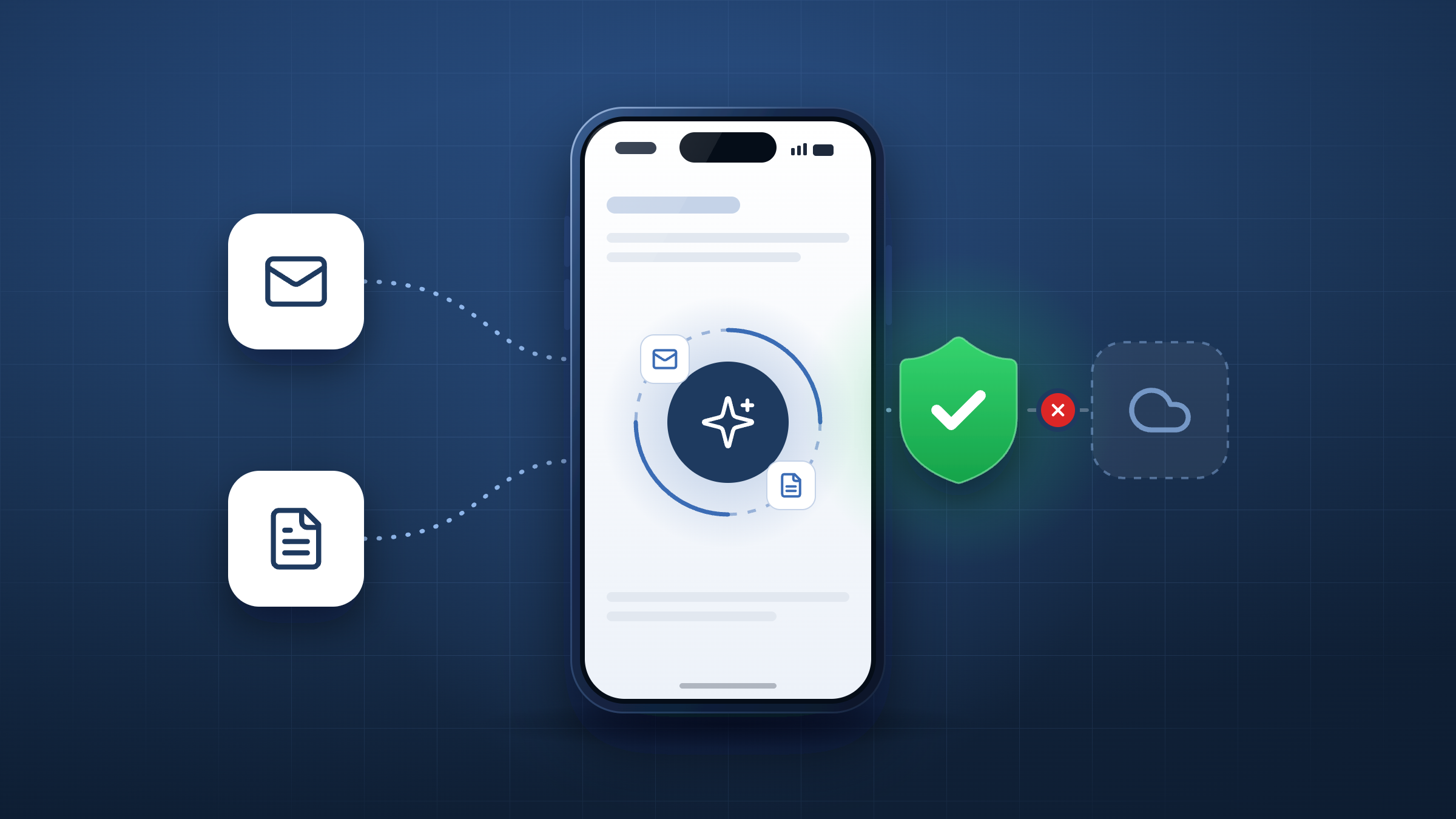
AI agents now read email, open files, and move data on employees’ phones, often from inside apps nobody thinks of as AI. An ordinary app, such as a note-taking tool, can call a model API, read a mailbox, open a SharePoint file, and upload the result to a service nobody has vetted, all in under two seconds. Those are the agentic AI security risks most mobile fleets now carry, and few security stacks were built to catch them.
Most security teams have started with discovery, building a list of which AI apps are installed across the fleet. That list is a useful first step, but it can’t tell you which app is acting right now, what it touched, or how to stop it.
This guide covers the risks specific to mobile, how to detect AI agents on iOS and Android, and how to build an audit trail your DPO and auditors can rely on. Later in this guide, we’re also upfront about where mobile visibility ends, so you can plan around it.
What are shadow AI agents?
Shadow AI is usually pictured as an employee pasting a document into an unapproved chatbot, and our earlier post on shadow AI on mobile looked at how much of that AI traffic is already moving across mobile fleets. Shadow AI agents go further: they read, decide, and act across company systems using the employee’s own access, with nobody reviewing each step.
The scale of the wider problem is already clear, and Gartner has predicted that by 2030 more than 40% of global organisations will suffer security and compliance incidents due to the use of unauthorised AI tools, a forecast reported by Infosecurity Magazine.
Agents are the sharpest edge of the broader AI governance challenge, because the risk sits in what the software does once it has access, rather than in whether someone typed a prompt.
Why AI agents are hardest to see on mobile
AI arrives inside ordinary apps
Keyboards, document scanners, transcription tools, and note apps increasingly call model APIs directly. None of them appear as “AI apps” on an inventory, and a silent update can add AI to an app that was harmless last week. A static scan of installed software will miss both.
Agents work at machine speed
An agent can read a mailbox, open a file, and upload it in under two seconds. A weekly usage report finds out after the data has already gone, which leaves security teams investigating incidents they had no chance to prevent.
An app that could act is different from one that is acting
Some tools flag every app with permissions that would let it behave as an agent. On Android, for example, accessibility permissions allow an app to read the screen and drive other apps, which is why apps that over-reach on permissions already carry risk. Flagging capability produces a list of suspects. Security teams need to know which app is acting at this moment, and they need a way to stop it.
Five agentic AI security risks to plan for
The risks below are where general AI agent security guidance meets the realities of a mobile fleet.
- Data leaves for unapproved AI services: An agent can pull email, files, or customer records and send them to a model or storage service your organisation has never assessed, which is the problem mobile data loss prevention is designed to address.
- Agents inherit corporate access: An agent working through an app the employee has signed in to Microsoft 365 can reach whatever mail and files that app has been granted, without IT approving anything new.
- Risk can change with an update: An approved app can start talking to a model after an update, so a one-off review of the app catalogue quickly goes out of date.
- Personal and corporate data mix: On BYOD devices, the same phone carries personal messaging, banking, and work email, which makes broad monitoring both intrusive and hard to justify to employees.
- There is no evidence trail: When an agent acts in seconds and leaves no record of what it touched, incident response, audits, and regulatory questions all start from guesswork.
Why an AI app inventory falls short
Discovery answers the first question security teams ask. Runtime control answers the questions that follow.
Question | A discovery tool answers | Corrata Agent Shield answers |
|---|---|---|
What AI is on the device? | The AI apps installed on each device | Every app that talks to a model, including AI built into ordinary apps |
Is an agent active? | Which apps have permissions to act | Which session is running now, scored Human, Assisted, or Autonomous |
What can we do about it? | Alert, report, and update policy | Pause the session, block the upload, ask the user, or cut Microsoft 365 access |
Can we prove what happened? | Usage reports | An Agent Receipt for every autonomous session |
How to detect AI agents on iOS and Android
Agents leave a recognisable pattern in network behaviour. They loop rapidly between a model and company services, they act while the screen is off, and they work at a pace no human thumb could manage. Because detection looks at behaviour, it can catch an agent inside an app that was never labelled as AI.
Corrata Agent Shield detects and stops AI agents on mobile by reading that pattern on the device, tying each connection to the app that made it, and scoring every session Human, Assisted, or Autonomous in milliseconds.
To make this concrete, consider an illustrative session on an Android phone in a field sales team (the app and data are fictional). A note-taking app sends a short prompt to a model API, reads 48 KB of mail from Exchange, sends a larger prompt, reads a 1.8 MB file from SharePoint, and then attempts a 2.1 MB upload to unapproved storage. Those five actions take 1.4 seconds with accessibility switched on. Agent Shield scores the session Autonomous, blocks the upload, and pauses the session.
What to do when an agent is active
Blocking all AI rarely holds, because employees find workarounds on personal apps and devices. Proportionate responses keep approved AI useful while closing the routes that put data at risk.
- Copilot and your other sanctioned tools can keep working, while uploads to unapproved AI services are blocked or capped by size, app, and user group through the Corrata Advanced DLP controls that power Agent Shield’s guardrails.
- When an autonomous session reaches for email, files, or finance apps, Corrata can pause it and ask the employee on their phone whether it was them. One tap lets the session continue, and without that tap no data moves.
- A device running an unapproved agent can be marked non-compliant in Microsoft Intune, so conditional access cuts Microsoft 365 until the issue is resolved, without adding another console for your team to learn.
Building an AI agent audit trail
Every autonomous session in Agent Shield produces an Agent Receipt, a timeline showing which app acted, which AI service it used, which company systems it touched, how much data moved, and what action Corrata took.
Receipts can flow to your SIEM and to Intune, so they sit alongside the rest of your security evidence. For compliance teams, that record supports conversations with auditors, your DPO, and evidence gathering for the EU AI Act.
Governing AI agents without reading employees’ messages
Agent Shield works on metadata, analysed on the device. It knows an agent moved 2 MB to an unapproved service, and it has no view of what those 2 MB contained. There are no certificates to install, no TLS interception, and no broken certificate pinning, and only verdicts and receipts reach the console.
This approach, which we describe in more detail in our page on privacy by architecture, is built for works council and DPO review. It is BYOD friendly, personal app traffic can be excluded by policy, and Corrata is ISO 27001 certified and EU native, so your AI governance data stays in the EU.
What no mobile security tool can see
No tool has total AI visibility on mobile. AI that runs entirely on the device sends no traffic, the iOS sandbox stops any third party watching one app drive another, platform assistants such as Siri and Gemini run partly on Apple and Google infrastructure, and cloud agents in a remote browser never touch the phone. The Agent Shield page sets out where its visibility ends and how to plan around each gap.
Five steps to bring AI agents on mobile under control
- Agree which AI tools are approved, and give employees a sanctioned route to use them so they have less reason to look elsewhere.
- Identify every app on your fleet that communicates with a model, including AI added to ordinary apps through updates.
- Monitor sessions for agent behaviour, since an installed app tells you far less than what that app is doing.
- Set proportionate responses that range from asking the user to blocking uploads and cutting Microsoft 365 access.
- Keep a receipt for every autonomous session, and explain to employees what you can and can’t see, which is central to employee buy-in on BYOD devices.
See it catch a live agent
The quickest way to judge any AI agent security claim is to watch it work. Book a demo and we’ll run an AI agent on a test phone while you watch Agent Shield detect it, score the session, and produce the receipt.


